🎮 Game Controls & Keyboard Guide
Play Racing Island Fullscreen on Micro Arcade - Fast Browser Games No Downloads

Explore, race and prove your mastery! Go on an adventurous journey with unique vehicles. Show off your skills in race, freeride and stand modes. Each level is full of new vehicles and discoveries. Are you ready for leadership?
Looking for non-stop entertainment? Racing Island delivers high-stakes Racing gameplay engineered for smooth performance on any modern device.
⚡ Key Features
⚡ Instant Browser Play
No installation, downloads, or plugins required. Loads in seconds directly in HTML5.
📱 Cross-Platform Ready
Flawless gameplay experience on PC, Laptop, Chromebook, iPhone, iPad, and Android.
⭐ Pro Tips & Strategy
Brake slightly before tight corners to initiate a controlled drift without losing momentum. Hug the inside curb on turns to minimize total lap distance and shave seconds off your time.

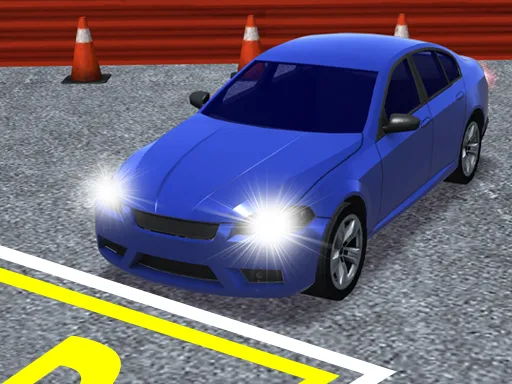


Complete Guide & Gameplay for Racing Island
To excel in Racing Island, start by familiarizing yourself with the responsive controls. As the difficulty scales, maintaining composure and steady rhythm will be key to conquering high levels.
This classic Racing & Driving browser title is fully optimized for HTML5 browsers, delivering responsive physics and immersive action on desktop, mobile, and tablet platforms without downloads.
